
Pro - Full Solution
Your marketing system, powered by AI.
The full Tawlé marketing workspace - Notion structure, Claude AI setup, a strategy vault, and video walkthroughs. Everything you need to build a content engine that actually runs.
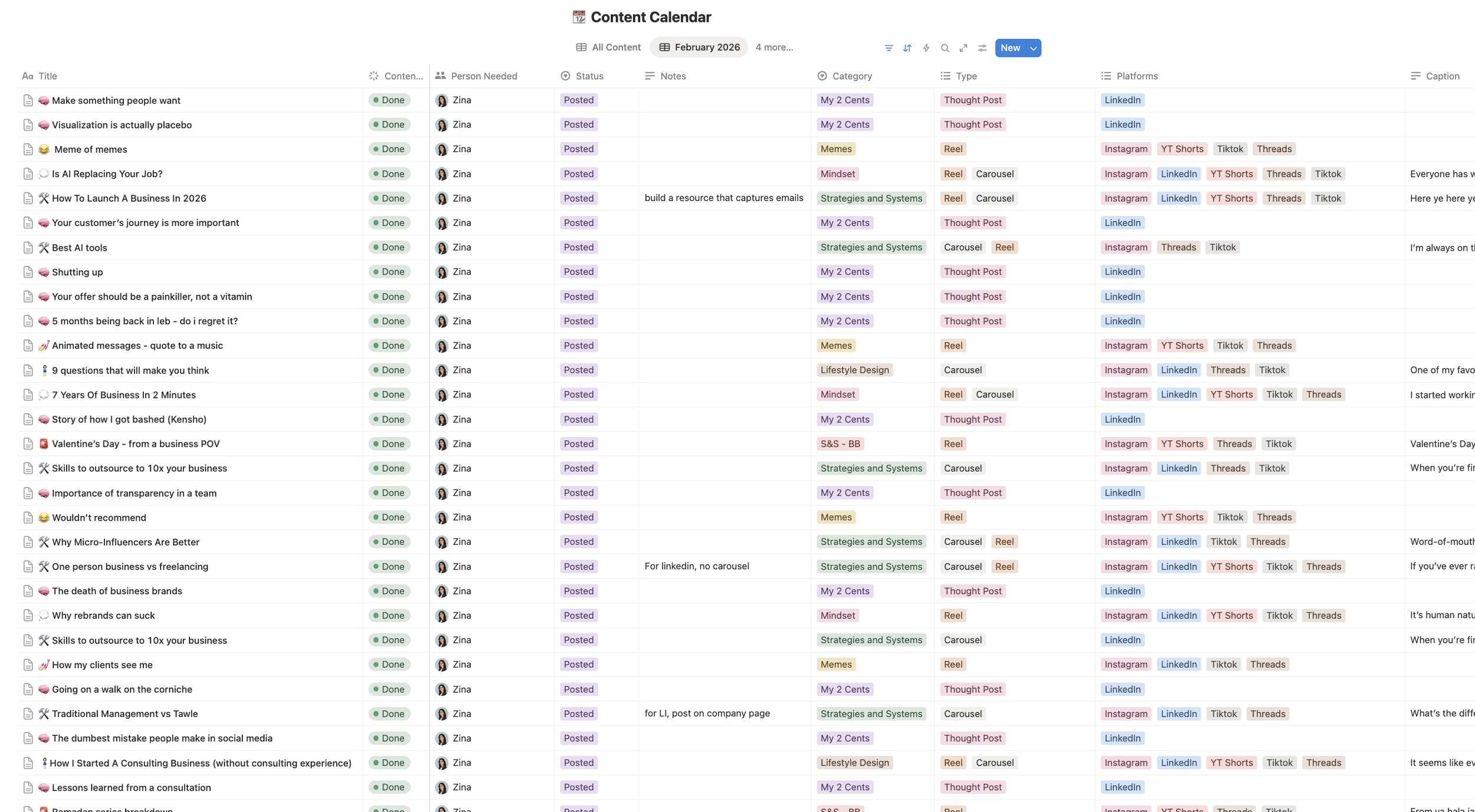
Complete Notion workspace with content calendar + post tracker
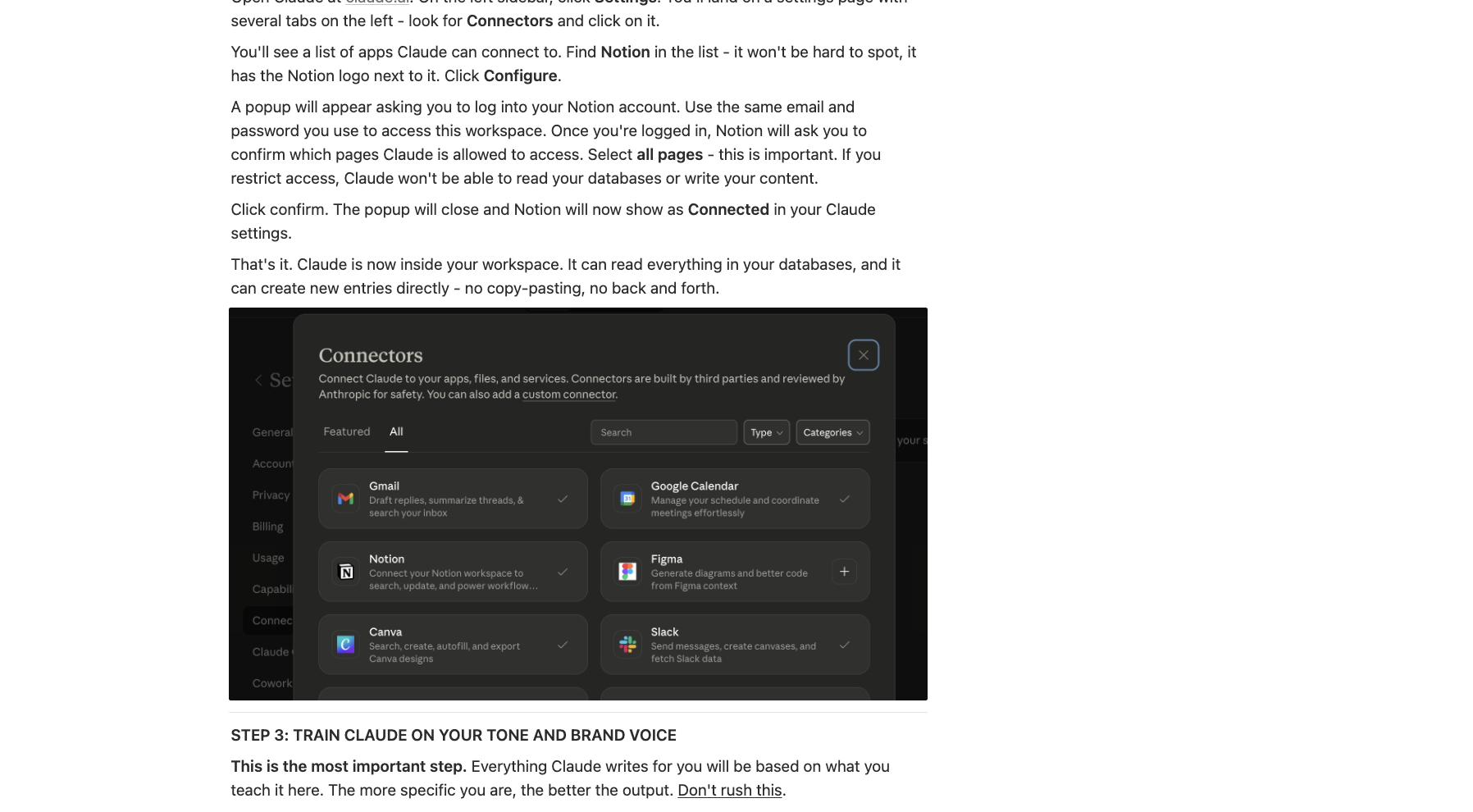
Claude AI setup guide - prompts tuned to your voice and offer
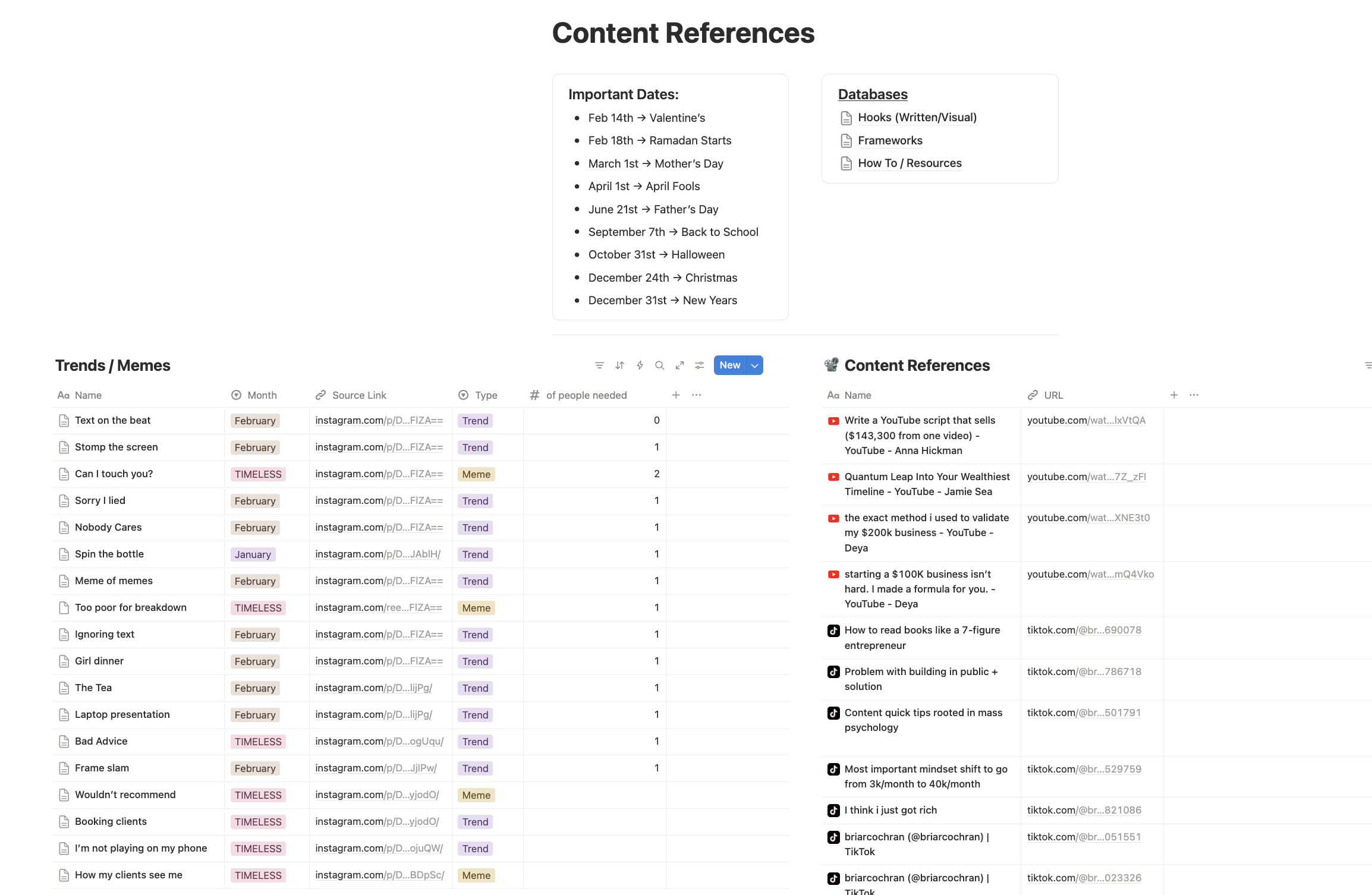
Strategy vault - frameworks, hooks, and content angles that convert
Video walkthroughs so you use every part of it
Built so AI does the heavy lifting, you make the decisions
30-mins consultation with Zina
- ✓ Complete Notion workspace
- ✓ Content calendar (monthly + weekly)
- ✓ Post tracker & ideas database
- ✓ Claude AI setup guide
- ✓ Strategy vault
- ✓ Video walkthroughs
- ✓ Free 30-min strategy session with Zina
"Most founders spend more than $250 on content tools they don't use. This is the one workspace that ties them all together."
Four modules. One complete system.
What’s inside
Every piece of this workspace was built because founders kept hitting the same walls. Here's what's inside and what each part solves.
See it before you buy it
Inside the Pro workspace
Good fit check
Is PRO RIGHT FOR YOU?
- You want to use AI for content but don't know how to start
- You're posting inconsistently and want a real system
- You're running all the marketing yourself
- You want to move fast without sacrificing quality
- You're willing to spend 2–3 hours setting it up right once
- You want someone else to run your content for you
- You don't plan to use AI at all
- You refuse to use Notion (there is no workaround)
- You want a done-for-you service (see Tawlé's consulting)
-
Claude has a free tier that works for testing, but for daily content work, a paid plan (around $20/month) gives you the speed and volume you'll want. The guide works with both.
-
Basic gives you the Notion workspace and calendar — the structure. Pro adds the intelligence layer: AI setup so content sounds like you, a strategy vault so you're never starting from zero, and videos so you use it all correctly.
-
Yes. That's why the video walkthroughs exist. You'll set it up once with the videos running, and then the system carries you forward. If you run into issues, reach out directly.
Before you buy
-
Plan for 2-3 hours to go through the walkthroughs and set up the AI properly. After that, your weekly content planning should take 30-60 minutes at most.
-
Yes. If you're not satisfied within 30 days of purchase, you'll get a full refund — no questions asked. Just reach out.
-
Yes. Reach out and you'll pay the difference, not the full price again.
Build the system.
then just run it.
One setup session. Then a content workflow that doesn't depend on motivation to function.
Not sure yet? Start with Basic — $15 →